Gautam Kumar
Salesforce Developer focused on Apex, LWC, Integrations, and Automation, with a strong interest in designing scalable and business-driven solutions.
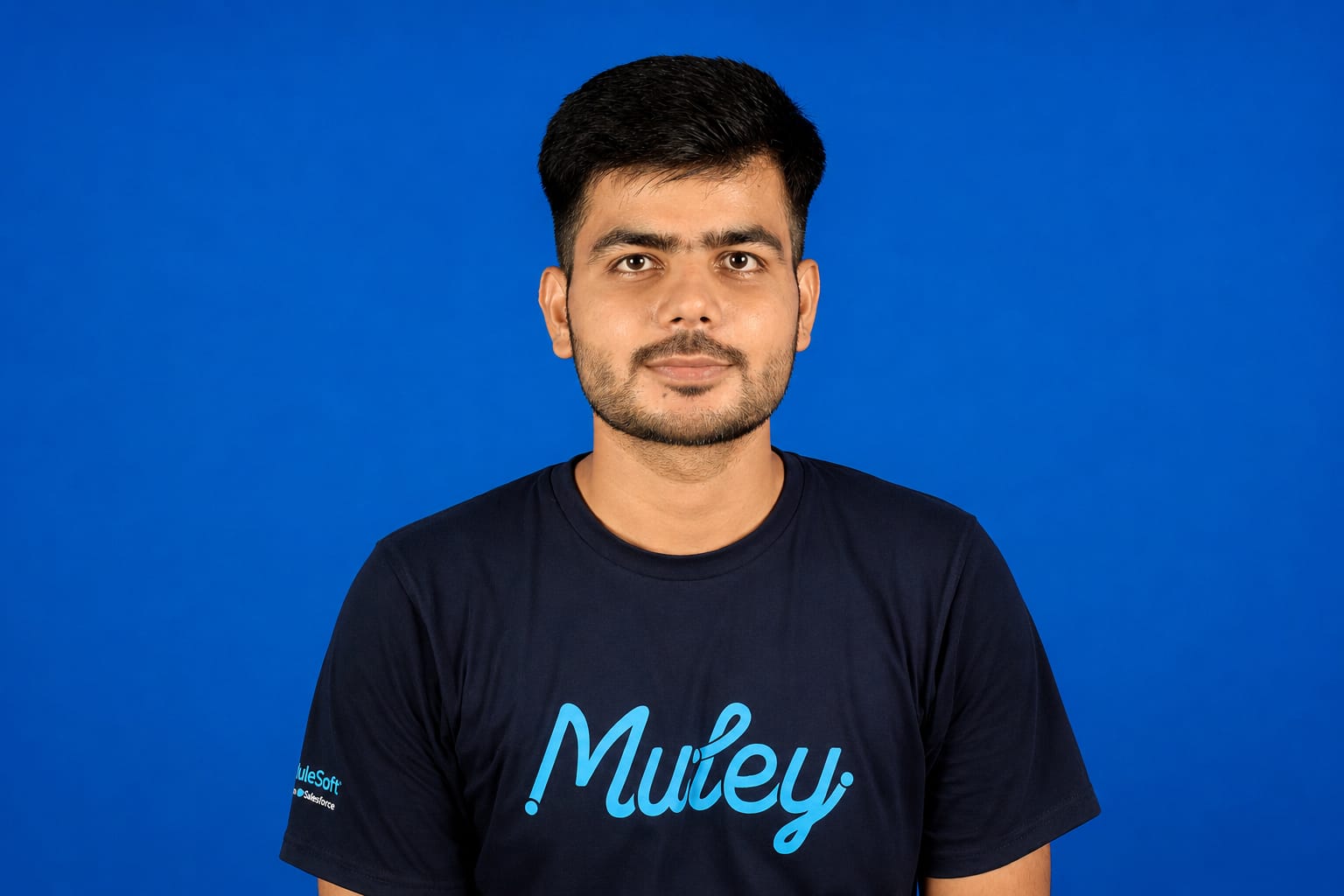
Salesforce Developer with hands-on experience in Apex, Lightning Web Components (LWC), Flows, and Salesforce integrations. Currently working at Appycrown, where I have built real-world solutions including an OAuth-based Salesforce–Google Drive integration and an Agentforce-powered library assistant. I enjoy solving business problems through scalable and maintainable Salesforce solutions, with a strong focus on clean architecture, security, automation, and user experience. Beyond development, I am continuously expanding my understanding of integration patterns, system design, and enterprise architecture principles.
I am passionate about building scalable solutions, learning enterprise architecture patterns, and continuously improving my technical and analytical skills. My ambition is to progress from Salesforce Developer to Salesforce Technical Architect and contribute to designing enterprise-scale Salesforce ecosystems.
The Path So Far
What I'm Learning Now
- Integration Patterns
- Agentforce & Prompt Builder
- Architecture Principles
- Advanced Apex (Batch & Queueable)
- Enterprise Design Patterns
What I Build With
Salesforce Development
- Apex
- Triggers
- Batch Apex
- Queueable Apex
- SOQL
- SOSL
Lightning
- Lightning Web Components
- Lightning Experience
- Lightning Message Service
Automation
- Flows
- Validation Rules
- Approval Processes
Integration
- REST API
- SOAP API
- OAuth
- External Services
Security
- Profiles
- Permission Sets
- Sharing Rules
- Security Model
Dev Tools
- Git / GitHub
- VS Code
- Salesforce CLI
- Postman
AI on Salesforce
- Agentforce
- Prompt Builder
- AI Automation
Verified Credentials
Continuous Learning, By Design
I maintain an active Trailhead profile as part of a continuous-learning habit — every new Salesforce release is a reason to go back and pick up new badges, not just read the release notes. Live rank, badge count, and superbadge progress are always current on the Trailblazer profile linked below rather than restated here as a static number.
View Live Trailhead StatsWhere I've Worked
Salesforce Trainee Developer
Appycrown Private LimitedResponsibilities
- Owned both admin and developer tasks — object customization, workflow design, and automation build-out.
- Designed custom Lightning Web Components for dashboards, surveys, and file management interfaces.
Achievements
- Built a Salesforce–Google Drive integration using Apex callouts and OAuth 2.0 — automatic folder creation and file sync across Accounts, Leads, and Contacts.
- Built an AI-powered Library Agent on Agentforce for book recommendations and data search.
Business Value Created
- Removed a manual, error-prone file-organization step from the team's daily workflow by automating folder mapping and storage.
- Gave non-technical staff a natural-language way to search library data instead of navigating raw records.
Project Case Studies
Not project cards — full breakdowns of the problem, the architecture, and what shipped.
Business Problem
Teams were manually creating and organizing Google Drive folders for every Account, Lead, and Contact — slow, inconsistent, and easy to get wrong at volume.
Requirements
Automatic folder creation on record creation, structured hierarchy matching Salesforce's object relationships, and a way for users to reach synced files without leaving Salesforce.
Architecture Overview
Trigger-driven Apex on record creation calls a service class, which makes an authenticated callout to the Google Drive API. Returned folder IDs are written back to custom fields, and a Queueable job handles retries on transient callout failures without blocking the user transaction.
Data Model
Custom fields on Account/Lead/Contact store the Drive folder ID and sync status; a Custom Metadata Type holds environment-specific API configuration so the integration can move between sandboxes without code changes.
Security Considerations
OAuth 2.0 with a dedicated connected app scoped to Drive access only; named credentials keep tokens out of code; field-level security restricts who can view sync status fields.
Technical Components
- Apex Classes: DriveSyncService, DriveCalloutQueueable, DriveSyncTriggerHandler
- LWC: driveFileViewer, syncStatusBadge
- Flows: record-triggered flow for manual re-sync
- Integration: Google Drive REST API via OAuth 2.0
Challenges & Solution
Google API rate limits meant bulk record creation could throw callout errors mid-transaction. Solved by moving the callout to an asynchronous Queueable with exponential backoff, decoupling the sync from the user's save action.
Results & Lessons Learned
Eliminated a manual folder-organization step from the team's workflow. Biggest lesson: design for API failure from day one — the retry logic mattered more than the happy path.
Future Enhancements
Batch reconciliation job to catch and repair any records where sync silently failed; audit log of all sync events for troubleshooting.
Business Problem
Users had to manually browse structured library records to find relevant books and resources — slow, and unhelpful for anyone unsure exactly what to search for.
Requirements
A conversational interface that could recommend books, search library data in natural language, and surface learning resources without needing report-building skills.
Architecture Overview
Built on the Agentforce Agent Library, with the agent grounded against structured library object data and configured actions for search and recommendation intents, so responses stay tied to real records rather than generic AI output.
Data Model
Existing library custom objects (books, categories, availability) exposed to the agent through defined actions rather than duplicated into a separate data store.
Security Considerations
Agent actions respect the running user's existing object and field-level permissions — no elevated access granted purely for the AI layer.
Technical Components
- Platform: Agentforce Agent Library
- Actions: book search, recommendation, resource lookup
- Data: structured library objects + multimedia resource links
Challenges & Solution
Early responses were too generic when library data was sparse for a given category. Solved by tightening the grounding actions so the agent explicitly says when it's short on matching records instead of guessing.
Results & Lessons Learned
Gave non-technical users a much faster path to relevant resources. Key lesson: a narrow, well-grounded agent beats a broad, loosely-configured one.
Future Enhancements
Usage analytics on which queries the agent can't answer well, to guide what data gets added next.
Business Problem
Object customization, workflows, and reporting for customer feedback tracking were handled piecemeal, creating manual reporting overhead and inconsistent data entry.
Requirements
End-to-end automation covering feedback capture, routing, and reporting, without adding steps to the user's existing process.
Architecture Overview
Record-triggered Flows handle routing and validation at the point of entry; declarative automation was preferred over Apex wherever governor limits and complexity allowed, keeping the solution maintainable by admins after handoff.
Data Model
Custom feedback object related to Accounts and Cases, with validation rules enforcing required context before a feedback record can be routed.
Security Considerations
Sharing rules scoped so feedback is visible to the owning team and management roles only, not org-wide by default.
Technical Components
- Flows: feedback intake, routing, escalation
- Validation Rules: required-field and data-quality checks
- Reports/Dashboards: feedback trend and resolution tracking
Challenges & Solution
Balancing "keep it declarative" against a few edge cases that needed more control than Flow offered cleanly — resolved with small, targeted invocable Apex actions called from Flow rather than full custom logic.
Results & Lessons Learned
Reduced manual effort in feedback handling and gave the team visibility they didn't have before. Lesson: declarative-first isn't a purity rule — it's a maintainability trade-off, and it's fine to drop into Apex for the 10% that needs it.
Future Enhancements
Feed feedback trends into the Agentforce library assistant so common issues surface proactively.
How I Design Salesforce Solutions
Coding is the last step. These are the questions that come first.
Data Modeling
Start from the objects and relationships the business actually needs, not the ones that are easiest to build — schema decisions are the hardest thing to undo later.
Security-First Design
Sharing model and field-level security get designed alongside the data model, not bolted on afterward once the "real" feature is done.
Scalability
Ask what the solution looks like at 10x the record volume or 10x the users, before writing the first trigger.
Governor Limits
Bulkify by default, push heavy work to async (Batch/Queueable), and treat limits as a design constraint, not an error to patch later.
Integration Strategy
Prefer declarative and native tools first; reach for custom callouts only when the platform genuinely can't do it, and design every integration to fail gracefully.
User Experience
A technically correct solution nobody wants to use is a failed solution — LWC and page layout decisions get the same scrutiny as the backend.
Maintainability
Favor declarative automation where it holds up, document Apex decisions inline, and design so the next developer — who might not be an architect — can safely extend it.
Selected Repositories
Google Drive Sync
Problem solved: automated folder creation and file sync between Salesforce and Google Drive.
Stack: Apex, LWC, Custom Metadata
Architecture highlight: async Queueable callouts with retry handling for API rate limits.
View on GitHubAgentforce Library Assistant
Problem solved: natural-language search and recommendations over library data.
Stack: Agentforce, Salesforce Data Model
Architecture highlight: action-grounded agent design to keep responses tied to real records.
View on GitHubPortfolio Website
Problem solved: a fast, responsive personal site to showcase Salesforce work.
Stack: HTML, CSS, JavaScript
Architecture highlight: mobile-first responsive layout with theme-aware design tokens.
View on GitHubRepository details above are summarized by project — update individual repo links on GitHub as they're published.
Beyond Individual Output
Mentoring & Knowledge Sharing
Shares practical Salesforce know-how with peers on the team — the goal is that the people around me get stronger too, not just the individual output.
Interview Preparation
Actively preparing for Salesforce Developer interviews with a structured plan — a habit that keeps fundamentals sharp, not just certification checklists.
Learning in Public
Builds and documents projects openly — this portfolio itself is part of that practice, not a one-time exercise.
Community Contribution
Active on Trailhead and the Trailblazer Community, treating certifications as checkpoints in ongoing learning rather than the end goal.